
Owning a Honda Civic can sometimes feel like solving a mystery when it won’t stop beeping. The beeping usually signals a simple issue like the auto-lock walk-away feature or a seatbelt sensor problem. It can happen whether the car is parked or driving, and it’s our job to find out why.
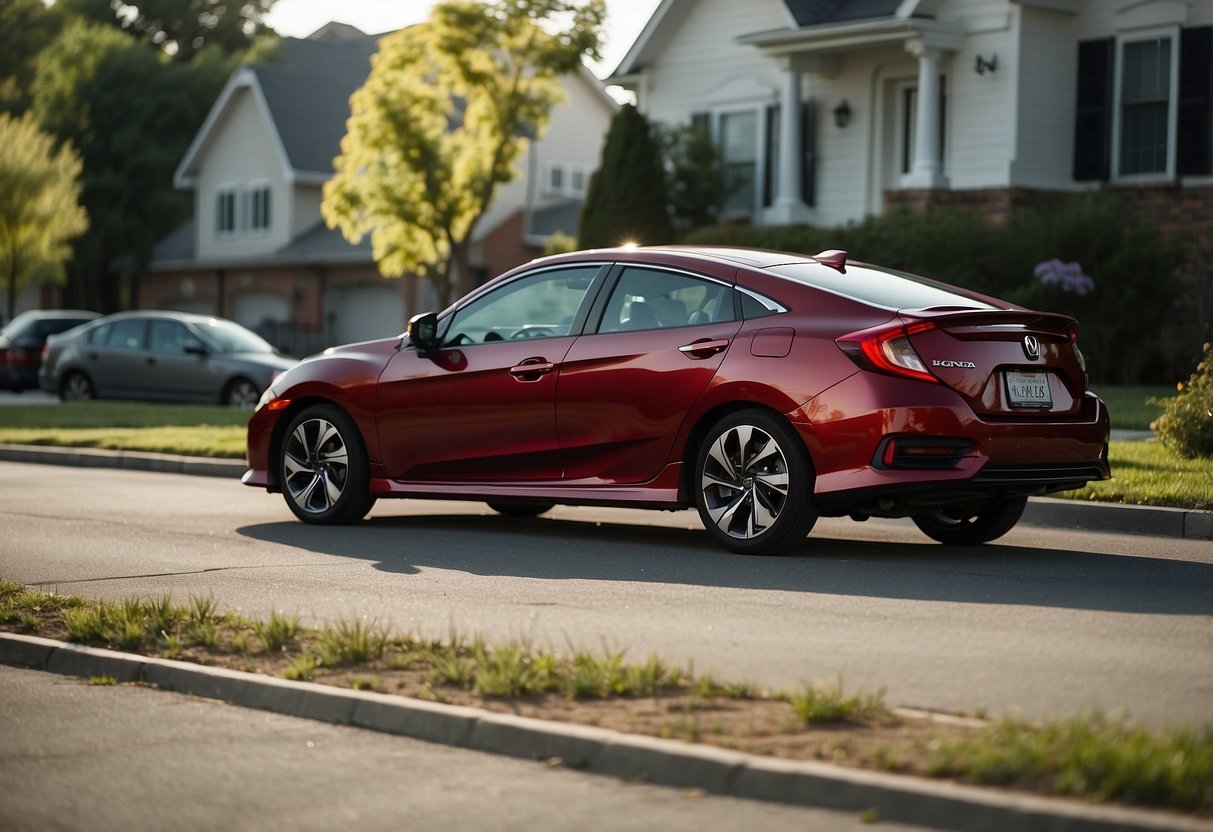
Let’s talk about the common culprits. From low coolant levels to a key fob left in the car, the reasons vary. The most frequent troublemaker is the auto-lock walk-away feature. It beeps to remind us if we forget something important.
Other times, it might be a more technical issue like a short in the wiring or a light bulb in the gauge cluster that’s giving up. Whatever the cause, it’s crucial to understand what our Honda Civic is trying to tell us so we can fix it and hit the road without the annoying beep. 🚗🔧
JUMP TO TOPIC
Common Reasons For Beeping
Our Honda Civics can beep for various reasons, ranging from safety features to simple alerts. Let’s dive into the most common causes behind these sounds.
Seatbelt Warning
When our seatbelt isn’t fastened, the car’s safety system may set off a beeping sound. This feature is crucial, as it ensures that everyone buckles up. Seatbelt sensors detect if someone is sitting without a seatbelt on. If the ignition is turned on and we don’t click our seatbelt, the car will keep reminding us.
These warnings usually start with a light beep, which becomes more continuous. Warning lights may also appear on the dashboard. This system prevents us from neglecting safety, especially during sudden stops.
Low Fuel Alert
Another beep we might hear is a low fuel alert. When the fuel gauge drops close to empty, the car wants to ensure we don’t run out on the road. A little ⛽ icon might light up on the dashboard, accompanied by a friendly reminder sound.
This alert helps us avoid the hassle of getting stranded. It’s important to refuel soon after hearing this beep, as running on low fuel can damage the fuel pump. Always pay attention to these cues to keep our Honda Civic running smoothly.
Door Ajar Notification
If a door isn’t fully closed, our Honda Civic feels the need to let us know. Open doors while driving can be dangerous, so a continuous beeping sound will start. Even if the door seems shut, a door sensor might detect it’s not entirely secure.
Check all doors, including the hood and trunk, to make sure they’re properly closed. A lit door icon on the dashboard can guide us to the problematic door. This alert keeps us aware and safe by preventing sudden opening while the car is in motion.
Diagnosing Beeping Issues
When dealing with a Honda Civic that won’t stop beeping, using diagnostic tools and consulting the owner’s manual is essential. Various factors like key fob issues, door sensors, or trunk problems might be at play.
Use Of Diagnostic Tools
Using diagnostic tools can help identify problems quickly. For instance, an OBD2 diagnostic scanner 🔧 can pinpoint any faults in the car’s systems. It can detect issues with the ignition switches, door sensors, and even the security system.
Sometimes, the beeping might be due to the key fob. If the key fob is inside the car while the engine is off, the car might beep to alert you. Similarly, if the key fob battery is low, it might cause an intermittent beep.
Checking the car’s settings using the in-car touch screen 📱 can also help. Turning off certain alerts or verifying correct settings might solve the issue. Remember, some settings like the walk-away auto-lock feature might need disabling via the touch screen to stop the beeping.
Consulting The Owner’s Manual
The owner’s manual 📖 is a valuable resource for troubleshooting. It contains specific instructions for issues such as alarm settings, push start/stop button issues, and errors involving the rear hatch or trunk.
By referring to the owner’s manual, we can understand the car’s warning signals better. For instance, it might explain why a slight door misalignment triggers a beep. Additionally, it will guide us to disable alerts for non-essential warnings or how to reset the system.
Having a spare key 🗝️ handy might be a good idea if a key fob malfunction is suspected. The manual often provides instructions on how to replace the key fob battery, start the car with a low battery, or address issues with the ignition using the spare key.
Additional Tips
- Check the seatbelts; a loose seatbelt can cause beeping.
- Clean door sensors to ensure they function correctly.
- Inspect the lights; a blown bulb might cause beeping.
Regularly consulting both tools and the manual will ensure a quiet, smooth ride. 🚗
Preventive Measures
To keep your Honda Civic from making that annoying beeping noise, there are two main things to focus on: regular maintenance and checking warning systems. These steps will help ensure that your car runs smoothly and quietly without any unexpected alerts.
Regular Maintenance
🔧 Regular check-ups are crucial. We need to stay ahead of any potential issues by inspecting the engine, electrical system, and coolant levels. Low oil or low coolant can set off warnings. It’s a good idea to look at these every few thousand miles.
✨ Keeping the walk-away auto-lock feature and the keyless lock answer back feature in proper working order is essential too. Ensure that all door latches and sensors are clean.
🛠️ Dirt or debris on these parts can cause them to malfunction, leading to unexpected beeping. Routine cleaning and inspections by a qualified mechanic can prevent this.
🌡️ If the engine is overheating, that’s a serious issue. Regularly check the coolant levels and ensure the cooling system is functioning well.
Checking Warning Systems
🚨 Pay attention to the gauge cluster. A blown light bulb in the gauge cluster could trigger a beep.
⚙️ The door and window setup systems also deserve regular checks. When doors aren’t shut properly, or sensors think they aren’t, the car will beep to alert us.
💡 Another spot is the electrical connections. A short in the wiring can cause false alarms. We should frequently verify that these connections are secure.
🔑 Our smart entry remote should always be checked. Leaving the key in the car can lead to the beeping warning us.
🌬️ Lastly, monitor the tire pressure. Although less common, some systems might beep if they sense tire pressure is off. Regular checks will keep us from dealing with this headache.
Conclusion
We’ve gone through a bunch of reasons why your Honda Civic might keep beeping. 🚗🔧 Let’s run through them for clarity.
First, check the auto-lock walk-away feature. This one’s often overlooked but can be easily turned off via the display unit.
Seatbelt sensors can also be a culprit. Make sure all seatbelts are fastened securely. It’s such a simple thing, yet it often causes that pesky beep.
Next, don’t ignore your wiring. Sometimes there could be a short. Fixing this will need a bit more elbow grease and maybe a trip to the mechanic.
Have you left your key fob in the car? This is another common reason. Make sure to grab it when you step out.
Leaving the key inside might prevent the car from locking and cause continuous beeping.
Doors and windows being open is another simple fix. Double-check that everything is closed properly before driving off.
Your coolant level can trigger beeping as well. 🌡️ Keeping this in check ensures your engine won’t overheat.
Low fuel, ⛽ which is an obvious yet easily forgettable reason. Make sure you’ve got enough gas in the tank.
And finally, check the light bulbs in the gauge cluster. If a bulb is blown, it might just be what’s setting off the beep alarm.
Reading through these solutions, we hope your Honda Civic runs smoothly without any annoying beeps. 🛠️

We love what we do, and it shows in everything we do and more. We share our knowledge, here on Ran When Parked.
- Car Jerks When Accelerating Slowly – Causes and Fixes - January 8, 2026
- Check Engine Light On but Car Runs Fine – Causes Explained - January 4, 2026
- Car Shakes When Idling but Drives Fine – Causes & Fixes 2026 - January 4, 2026