
Driving a Honda Civic should be smooth and worry-free, especially when it comes to that pesky tire pressure light. Many of us have faced the frustration of seeing it blink on, sometimes even when everything seems fine.
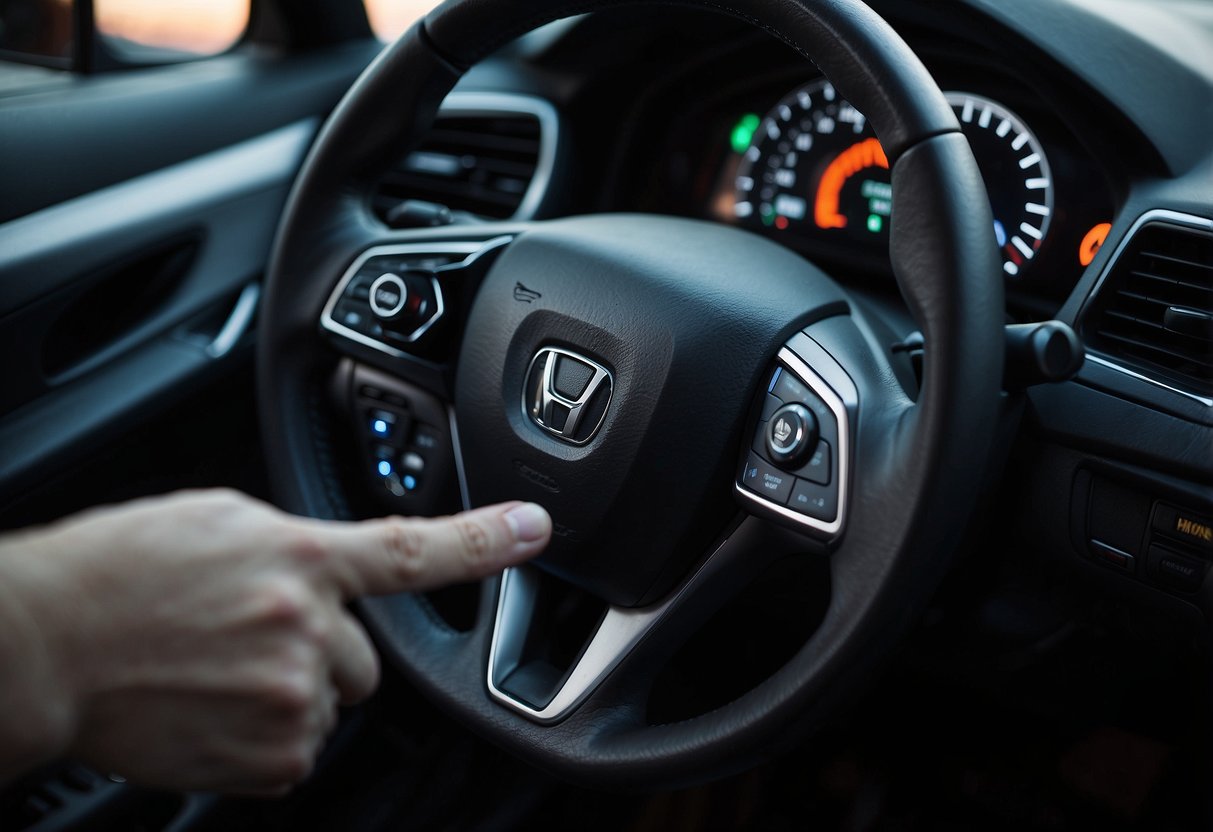
To remove the tire pressure light on your Honda Civic, you need to follow a few simple steps. Start by checking and setting your tire pressure with an accurate gauge. Turn the car to the ON position and press and hold the TPMS reset button, which is usually located to the left of the steering wheel, for about 3 seconds. When you see the TPMS light blink twice, drive your car at 26 MPH or faster in a straight line to verify that the light goes out.
A bad TPMS sensor can be a thorn in our side, and it might require replacing the sensor or its battery. We’ve faced this issue and know it’s annoying, but addressing these problems will keep the system functioning properly. Remember to always check these common issues if your tire pressure light refuses to turn off! 🚗🔧
JUMP TO TOPIC
How To Remove Tire Pressure Light Honda Civic
If the tire pressure light on your Honda Civic has appeared, it’s time to get it sorted out. Here’s a step-by-step guide, simplified for your convenience.
First, check your tire pressure. 🚗 Make sure the tires are all inflated correctly. Use a trusted gauge for accuracy. If the tires are underinflated, fill them up to the recommended pressure.
Once the tires are properly inflated, follow these steps:
- Turn On the Car: Insert the key and turn the ignition to the “ON” position. 🛠️ Don’t turn the engine on.
- Locate the TPMS Button: The TPMS reset button is usually to the left of the steering wheel. Some models might have it under the dash. If you see a horseshoe symbol with an exclamation point (⚠️), you’ve found it.
- Hold the TPMS Button: Press and hold the button for about 3 seconds. The TPMS light should start to blink. This means the system is recalibrating.
- Drive Your Car: Drive at a speed above 26 MPH. 🌡️ The light should go off after a few minutes. If it doesn’t, repeat the process.
If the light stays on despite following these steps, there might be a bigger issue. Consider getting professional assistance. 🚨
Reasons For Tire Pressure Light Activation
Our Honda Civic’s tire pressure light can light up for various reasons. Let’s break down some common causes:
Low Tire Pressure
The most frequent reason revolves around low tire pressure. Underinflated tires aren’t just an annoyance—they can impact safety and fuel efficiency. If one of our tires doesn’t have enough air, the TPMS (Tire Pressure Monitoring System) alerts us.
Overinflated Tires
Overinflated tires are risky, too. They can cause uneven wear and affect handling. If our TPMS detects too much air in the tires, the warning light might flash on.
Temperature Changes
Cold weather can be sneaky. 🌡️ When temperatures drop, so does tire pressure. I remember driving on a chilly morning, and boom, the light came on. Cold air compresses and lowers the pressure inside the tires, triggering the TPMS.
Brake and ABS Issues
Sometimes, the issue goes beyond tires. Problems with the brakes or ABS (Anti-lock Braking System) can affect the TPMS. If the sensor on the axle or wheel speed sensors are faulty, it could send a false signal.
Road Hazards
Watch out for potholes! 🚗 Hitting a pothole or sharp object can damage the tire or valve stem. If the valve stem gets clogged or damaged, information from the tire might not reach the TPMS accurately.
Bad Tire Pressure Sensor
In older Honda Civics, bad sensors can be a pain. Pre-2014 models often used direct TPMS, which means a faulty sensor might need replacing. I’ll never forget that time we had to swap out a stubborn sensor on a long drive.
Battery Issues
Lastly, the TPMS itself has a battery. If it’s running low, the system might not work right and the light could come on. We might just need a battery change to fix this.
Understanding these reasons helps us keep our Honda Civic ready and safe for the road. 🔧
Checking Tire Pressure
Let’s make sure our tires are in top-notch shape. Maintaining proper tire pressure keeps us safe and helps our car run better.
Step 1: Find the Recommended Pressure
Look inside the driver’s door. There’s a sticker with the recommended psi for front and rear tires. It may also be in our owner’s manual.
Step 2: Use a Tire Pressure Gauge
Remove the cap from the tire’s valve stem. Press the tire gauge onto the valve stem until the hissing sound stops. Check the reading on the gauge.
| Tire | Recommended PSI |
| Front | 32 PSI |
| Rear | 30 PSI |
Step 3: Inflate If Needed
If our tires are under the recommended psi, add air. Most gas stations have air pumps.
Step 4: Recheck the Pressure
After inflating, use the gauge again to ensure the tires are at the right psi. Adjust if needed until each tire reaches its recommended pressure.
Step 5: Repeat for All Tires
Don’t forget our spare tire! It should also be checked and inflated to the recommended level.
Extra Tips
- Check tire pressure when tires are cold, preferably before driving.
- Check monthly or before long trips.
Keeping our tires properly inflated helps with safety and fuel efficiency. We drive smoother, and our car runs better 🚗💨.
Tools Needed
To get rid of the tire pressure light on our Honda Civic, we need a few basic tools. These items will make the job quicker and simpler.
A tire pressure gauge is essential for checking the air pressure in our tires. Let’s use it to ensure all tires are properly inflated. No more guessing!
🛠️ We need to inspect the valve stem and cap on each tire. Sometimes, dirt can clog the valve stem, causing TPMS issues. Cleaning or replacing these could solve the problem.
The TPMS reset button is usually found below the steering wheel. We press and hold this button until the light flashes. This resets the system.
Optional Extra Tools
- Air Compressor: Helps top off any underinflated tires. ⛽
- Cleaning Brush: For cleaning dirt from valve stems. 🔧
Remember, having the right tools makes a big difference. Now, we’re all set to tackle that pesky tire pressure light! 🚗
Step-By-Step Guide To Remove Tire Pressure Light
This guide will walk us through checking and resetting the Tire Pressure Monitoring System (TPMS) in a Honda Civic. We’ll cover steps for manual resets, using the TPMS button, and conducting a test drive to make sure everything is in top shape.
Resetting The Tire Pressure Monitoring System
First things first, let’s check the tire pressure. If the pressure is too low, the monitoring system will alert us. Use a tire pressure gauge to get an accurate reading.
- Check tire pressure: Remove the valve stem cap and press the gauge on the valve stem.
- Adjust air pressure: Add air if the pressure is too low. If it’s too high, release some air. Aim to reach the recommended pressure.
- Check all tires: Make sure to inspect and adjust each tire—don’t forget the spare!
Manual Reset Procedure
If the light stays on after adjusting the pressure, we might need a manual reset. This procedure can be straightforward if followed correctly.
- Turn the ignition to the ON position: Make sure the engine is off but the vehicle is on.
- Navigate to TPMS settings: Depending on the model, we’ll have to find this in the vehicle settings on the dashboard.
- Start calibration: Follow the on-screen prompts to start the TPMS calibration process.
Remember, every model may have slight differences, but the basic steps are usually the same.
Using The Honda Civic TPMS Button
Many Honda Civics are equipped with a TPMS button that makes resetting the system quicker. The button is usually found to the left of the steering wheel.
- Car in park: Keep the car stationary.
- Locate the TPMS button: It’s on the left side of the steering column.
- Press and hold: Hold the button until the TPMS light blinks twice. This indicates that the calibration process has started.
After this, the calibration should complete automatically. If the light remains on, we might need a drive to help recalibrate the sensors.
Conducting A Test Drive
Sometimes driving the car can help reset the system. This step is often necessary when the light doesn’t go off with a manual reset.
- Drive at 50 mph: We should maintain a speed of at least 50 mph.
- Duration: Drive for about 10 minutes.
- Recheck the light: After driving, turn off the car and then turn it back on. The light should be off if everything has reset properly.
If the tire pressure light remains on after trying all these steps, consult a professional to check for issues with the sensors or the TPMS itself.
What To Do If The Light Stays On
If the tire pressure light on our Honda Civic won’t turn off, it can be frustrating. We should first check the tire pressures with an accurate gauge. Even a slight difference can trigger the light.
Sometimes, resetting the system is necessary. Here’s how:
- Turn the ignition to ON, but don’t start the engine. 🛠️
- Find the TPMS button. It’s usually to the left of the steering wheel. Press and hold it for about 3 seconds until the light blinks twice.
- Drive at least 26 MPH to allow the system to recalibrate.
If we’ve done everything and the light is still on, it might be a sensor issue. Let’s not jump to conclusions; sometimes it just takes time for the system to adjust.
To troubleshoot:
- Double-check tire pressures
- Ensure all tires are inflated to the recommended level
- Use a different gauge to verify the pressure
If the light stays on after 30 minutes, it might be time to visit a mechanic. Continuing to drive with the light on could hide a serious issue.
Staying on top of our TPMS light ensures our Civic stays in tip-top shape without surprises. Let’s keep our tires properly inflated and the system functioning as it should. 🚗💡
Preventing Future Tire Pressure Light Issues
To keep our Honda Civic’s tire pressure light from lighting up unexpectedly, we can follow a few simple steps. First, regularly check tire pressure with a reliable gauge. Properly inflated tires improve safety, fuel efficiency, and even traction on the road.
Inspect our tires for damage like cuts, punctures, or excessive wear. This helps maintain the performance and handling of our car. Checking the valve stems too can prevent leaks that could trigger the tire pressure light.
In colder weather ❄️, tire pressure can drop. Make sure to check and adjust our tire pressure during temperature changes to maintain accuracy and fuel economy.
If the light does come on, it might be just low battery in the TPMS sensor. Batteries can wear out and may need to be replaced to ensure the system continues to work properly.
Some tips:
- Check tire pressure monthly ⛽
- Rotate tires regularly 🔧
- Inspect for damage 🛠️
- Adjust pressure in cold weather 🔥
By following these steps, we can keep the tire pressure light off, ensuring our Honda Civic runs smoothly and efficiently.

We love what we do, and it shows in everything we do and more. We share our knowledge, here on Ran When Parked.
- Car Jerks When Accelerating Slowly – Causes and Fixes - January 8, 2026
- Check Engine Light On but Car Runs Fine – Causes Explained - January 4, 2026
- Car Shakes When Idling but Drives Fine – Causes & Fixes 2026 - January 4, 2026